

Your docs. Your editor.
Visual markdown, kanban boards, and diagrams, right where you code.
v0.7.3 · MIT licensed · open source
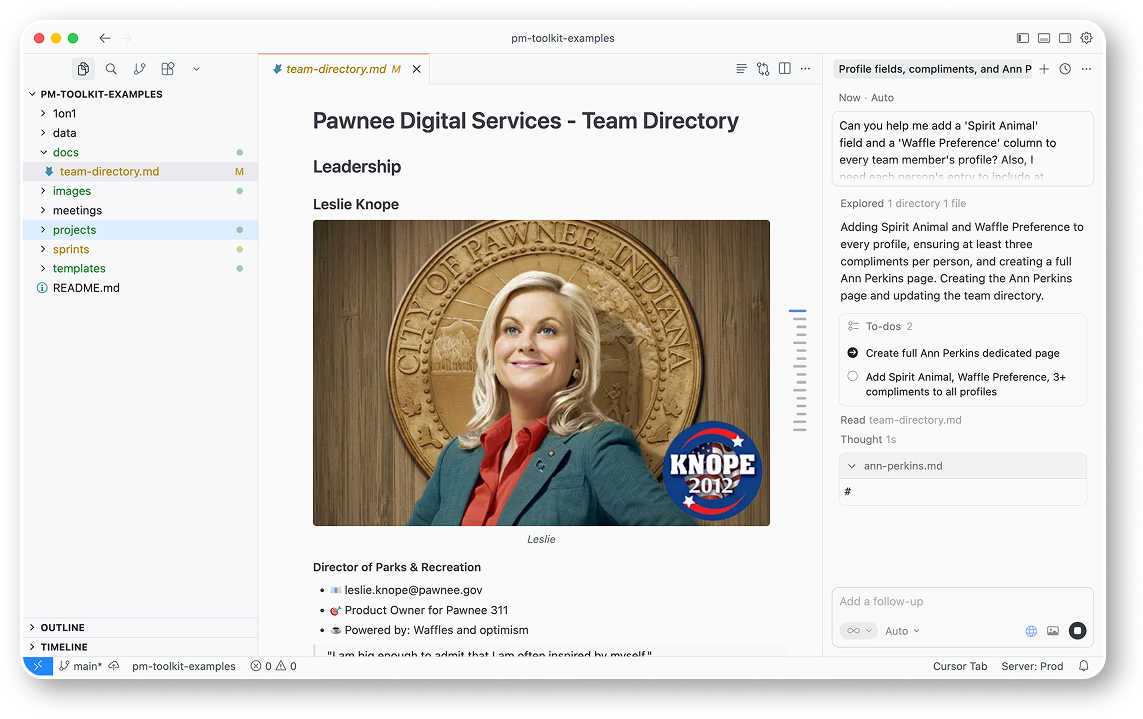
Everything you need
Every detail crafted for a seamless editing experience.
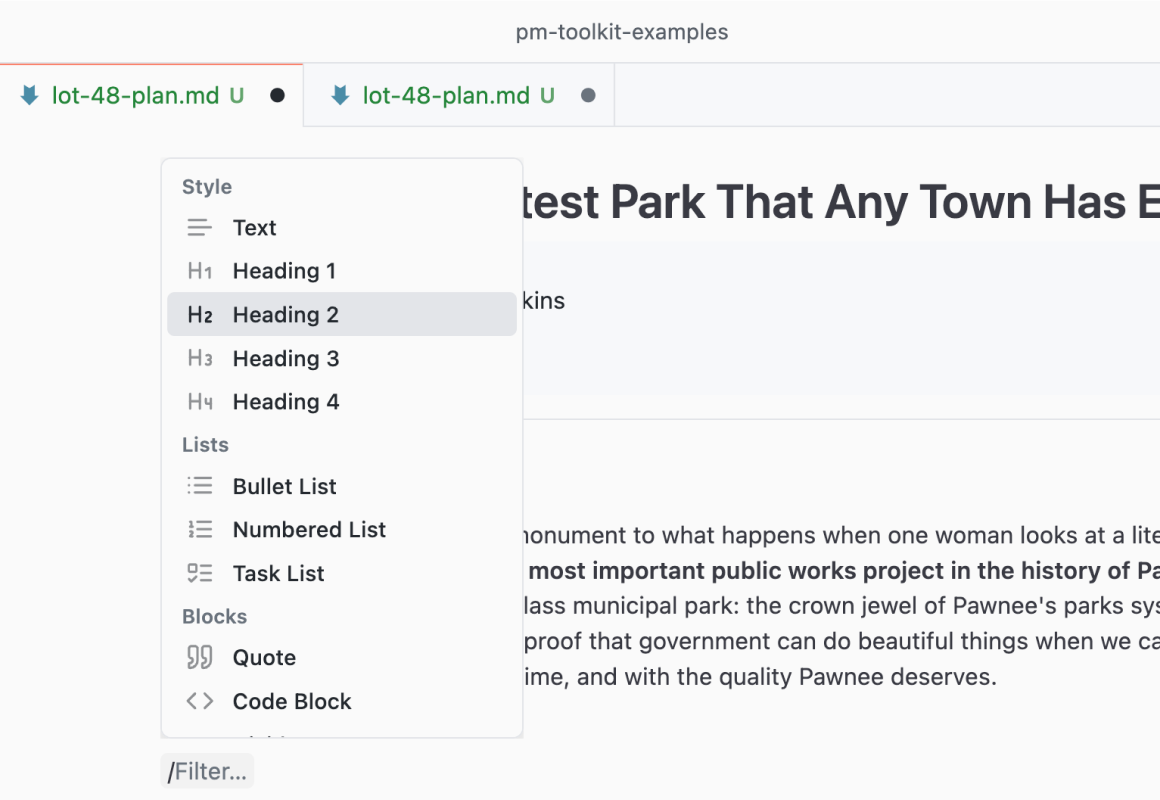
Type / for anything
Headings, tables, images, diagrams — one keystroke.
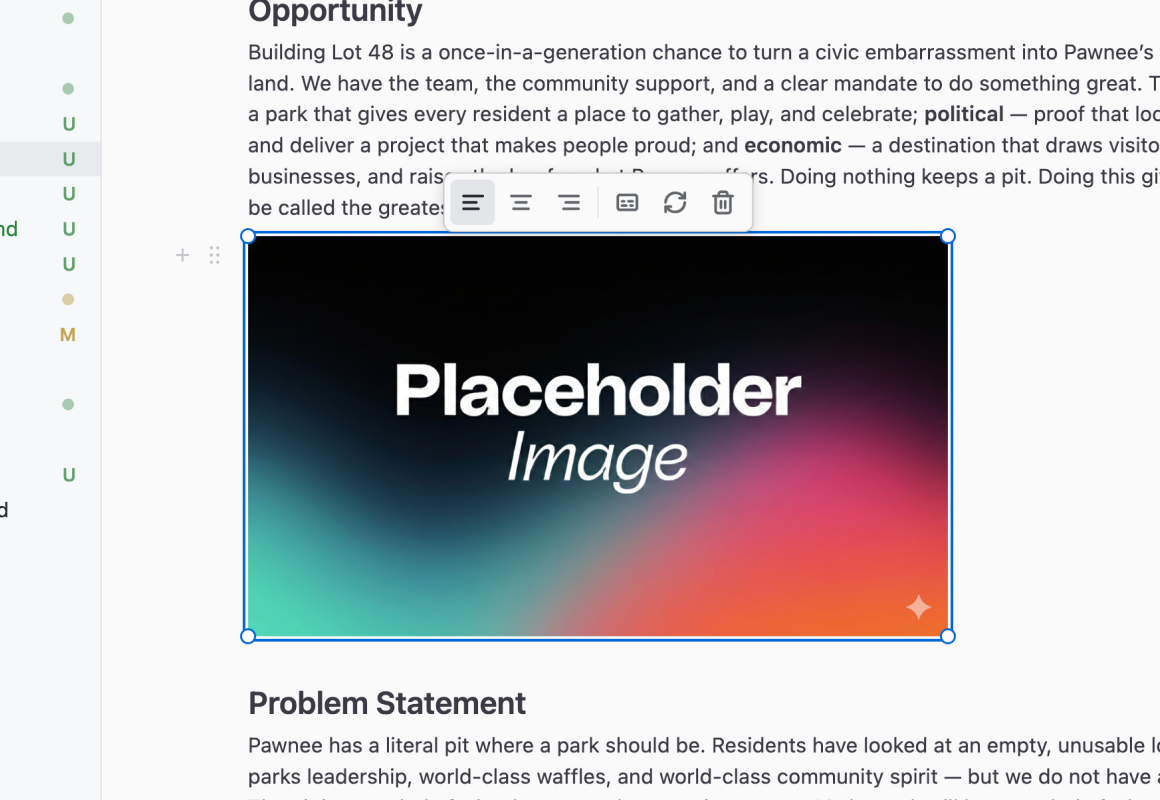
Drop. Resize. Align.
Paste, drag, or browse. Handles do the rest.
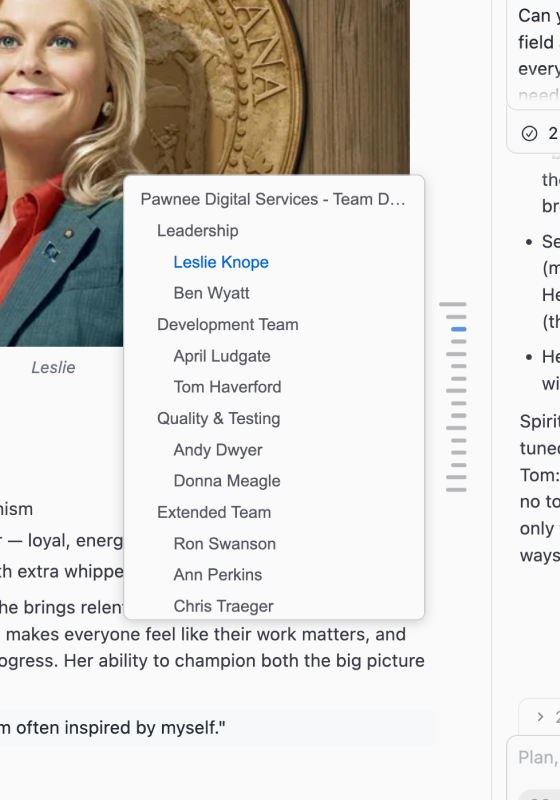
Navigate with ease
Jump to any heading. Collapsible, always in sync.
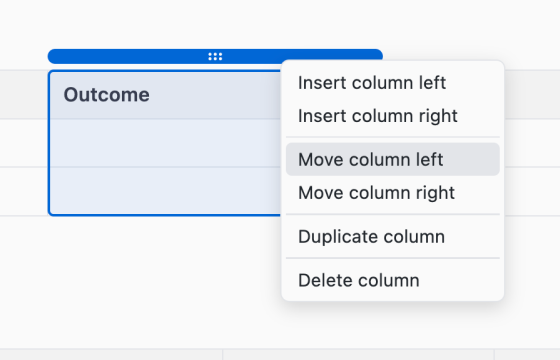
Tables that behave
Grip to select. Click to add rows and columns.
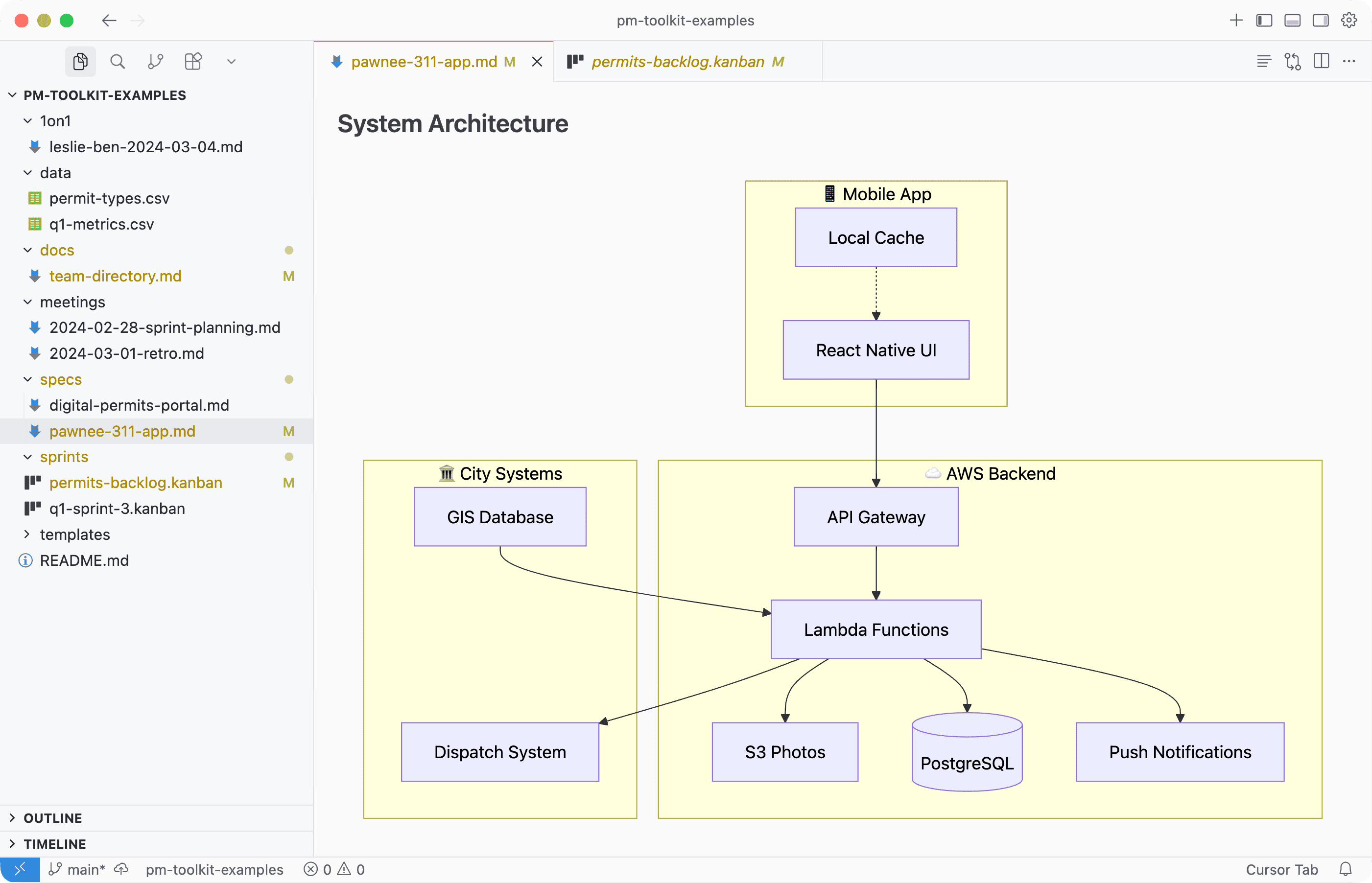
Diagrams, inline
Flowcharts and sequences, rendered right in your doc.
“This is LITERALLY the most beautiful markdown I have ever written.”
Plus everything else
Visual Formatting
Select text, format instantly with the bubble menu.
Kanban Boards
Drag cards between columns. Plain files, version-controlled.
Links
Paste a URL on selected text to instantly create a link.
Keyboard Shortcuts
Bold, italic, headings — muscle memory from any editor.
View Source
One click to see raw markdown. Real files, always yours.
Document Viewers
PDF, Word, Excel, CSV — open them in your editor.
Templates
Reusable docs with dynamic variables.
Your Markdown
Real files you own. Copy, move, or version-control them.
PDF Export
Pixel-perfect PDFs via Command Palette or one click.
Plus more
New features shipping regularly. Free forever, no catch.
Open source
Support this project
PM Toolkit is free and open source. If it saves you time, consider supporting its development.
Free forever · Open source
Ready to write
visually?
Install in seconds. No account required.